

Store any of your cards easily.
This app allows you to store any of your cards easily for quick access, you can optionally use the devices camera, or upload the images (including the barcode) straight from your gallery.
GET STARTED NOW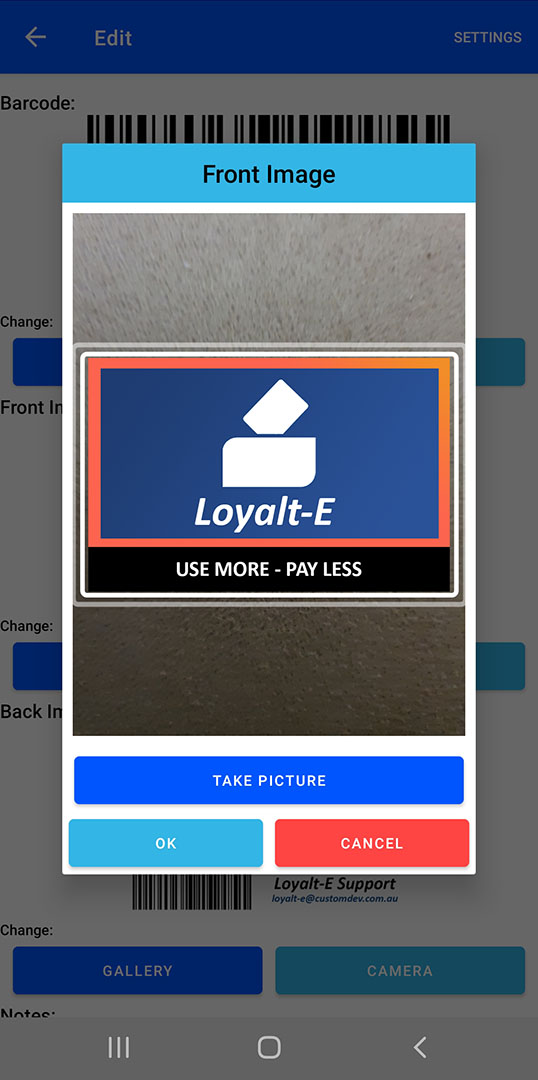
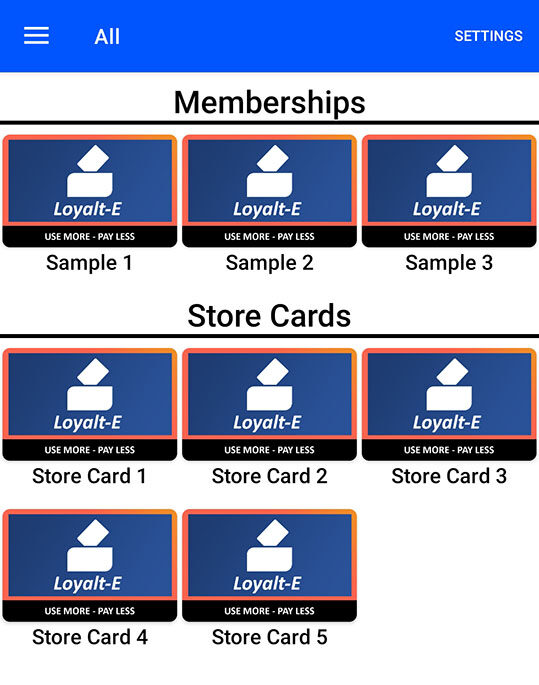

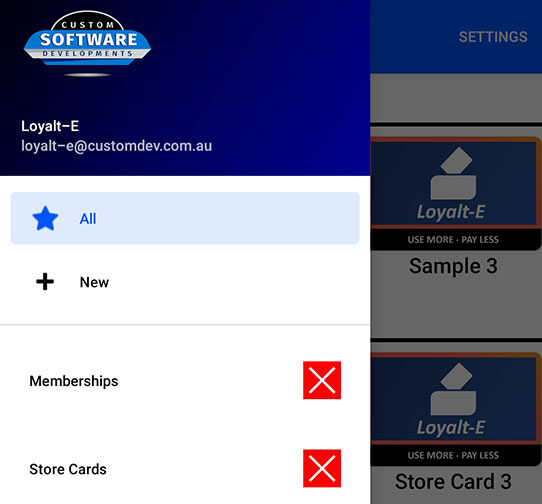
Categories
Create custom categories for your cards !
This allows for easy display customisation, allowing you to have all the cards displayed sorted by their categories, or only show the cards from an individual category.Everything is stored locally on YOUR device
No information you enter into the app is directly sent to us, I have trust issues when apps need the “Internet” permission, so where possible I don’t use it in my apps for the safety of my clients.
Thanks to Androids local storage ability, the app doesn’t need to request “External Storage” permission and have access to browse / write to your local storage or SD Card, it simply just adds its files to its very own storage area assigned by Android.
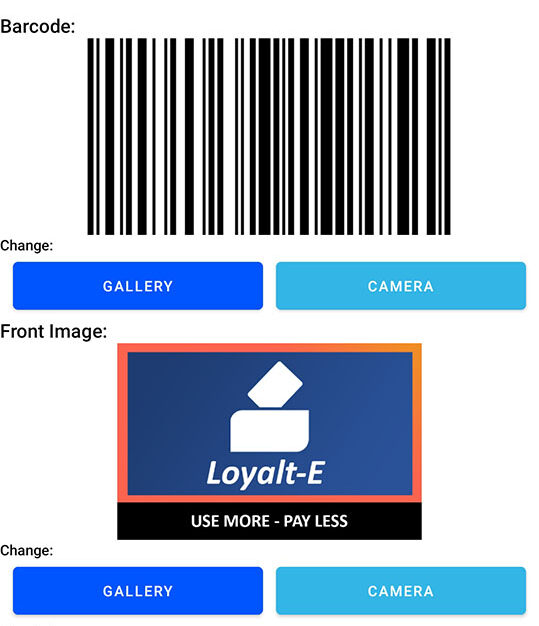
Barcodes and Card Images from Camera or Gallery
You can either allow the “Camera” permission and easily scan barcodes or take photos of your cards on the fly, or simply just use your devices gallery app, the choice is yours.
Dark Mode Support !
I love using dark mode, so does my app !
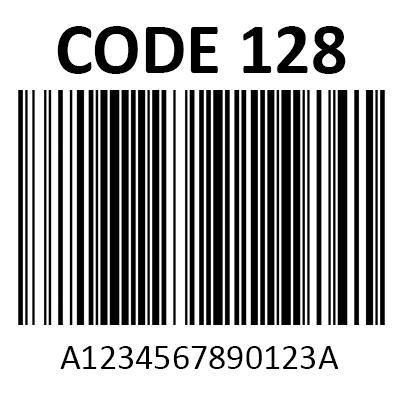
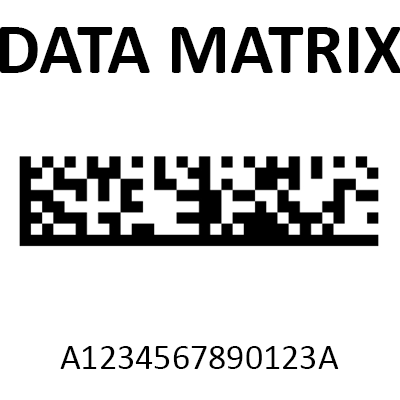
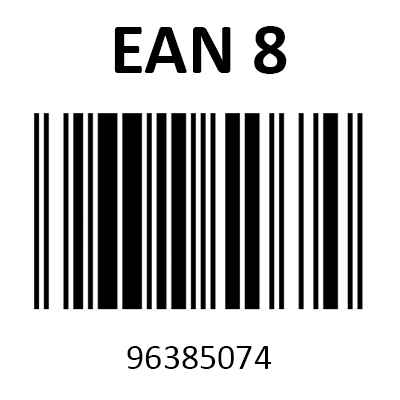
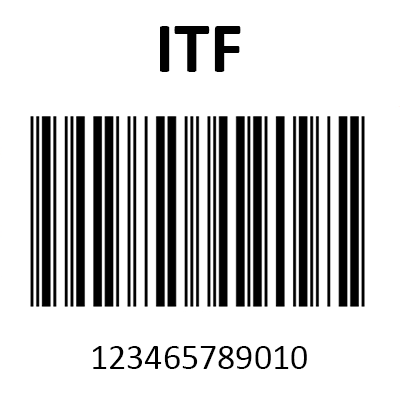
Supported Barcodes
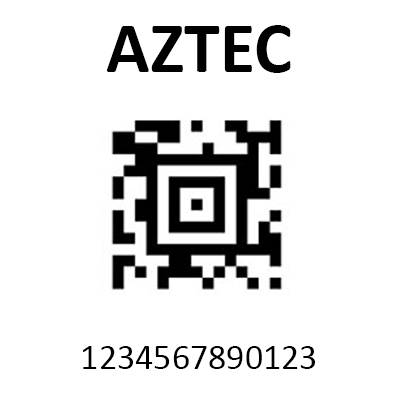
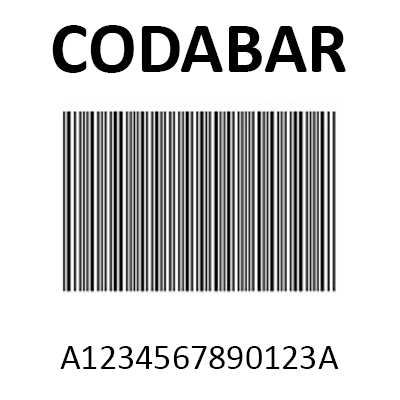
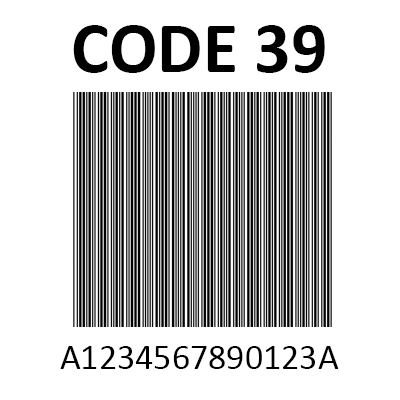
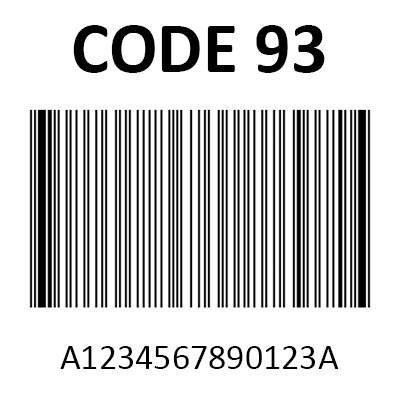
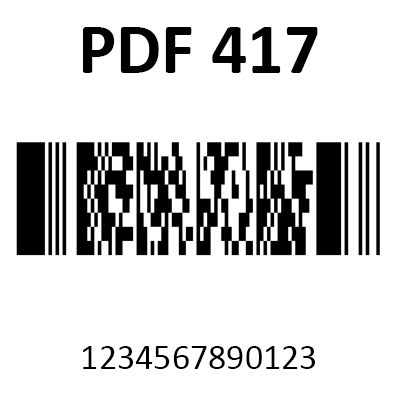
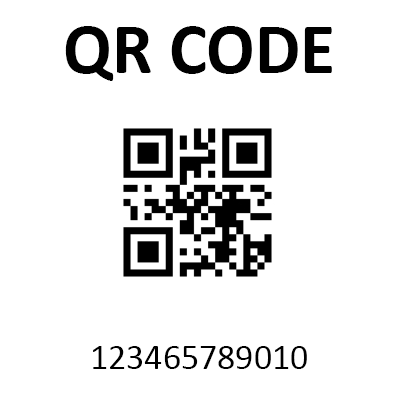
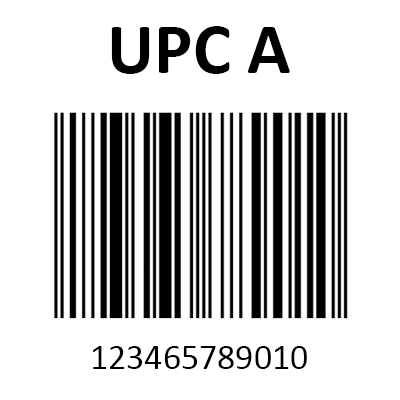
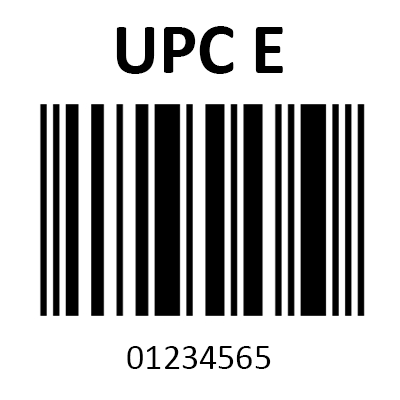
Below is a sample of all the supported barcodes you can use in this app.